
EVTasker
Source code · Releases · Issue tracker
Choose EVTasker when you want the head unit to perform an action automatically. A rule describes when something should happen and what the app should do.
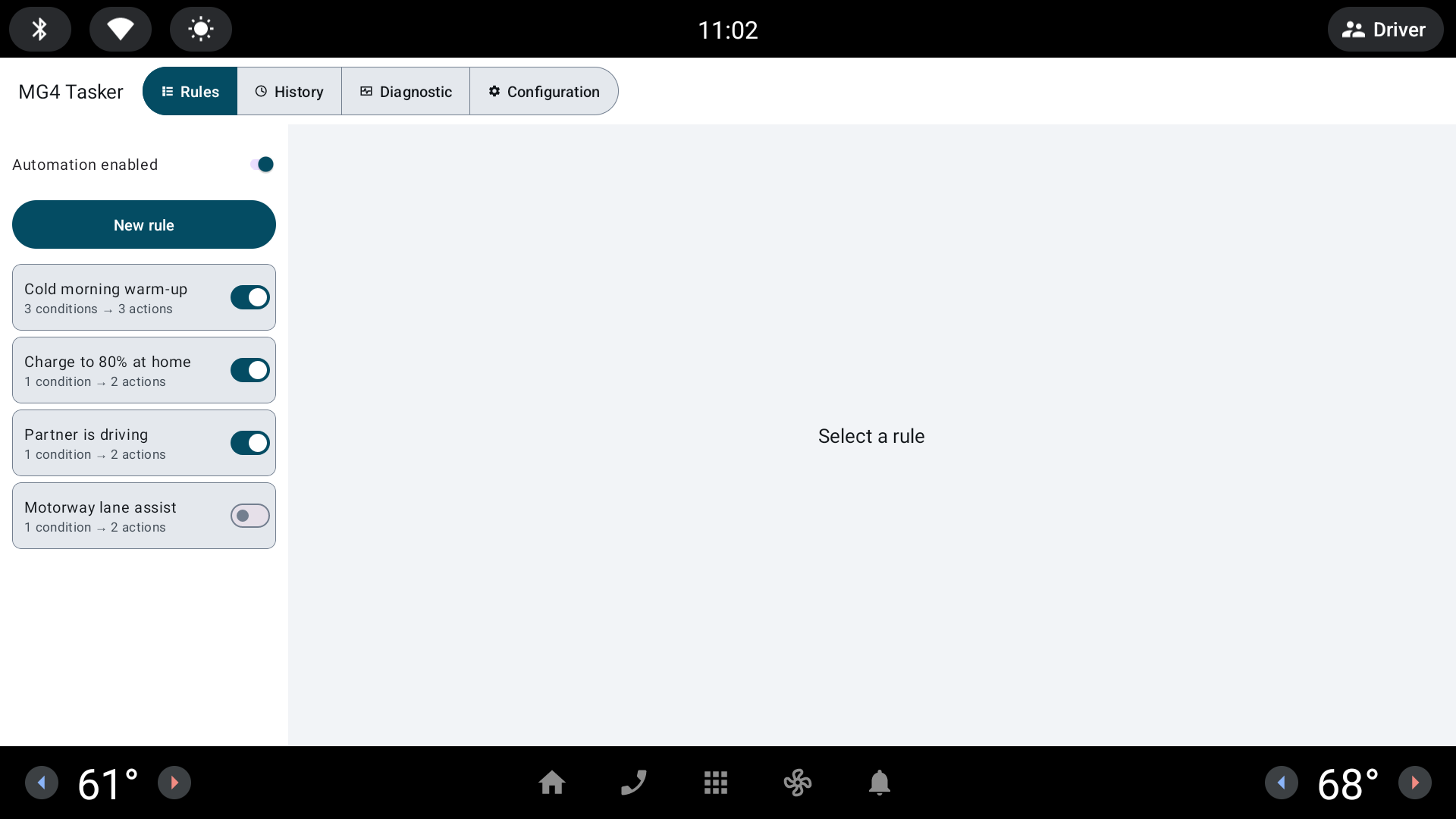
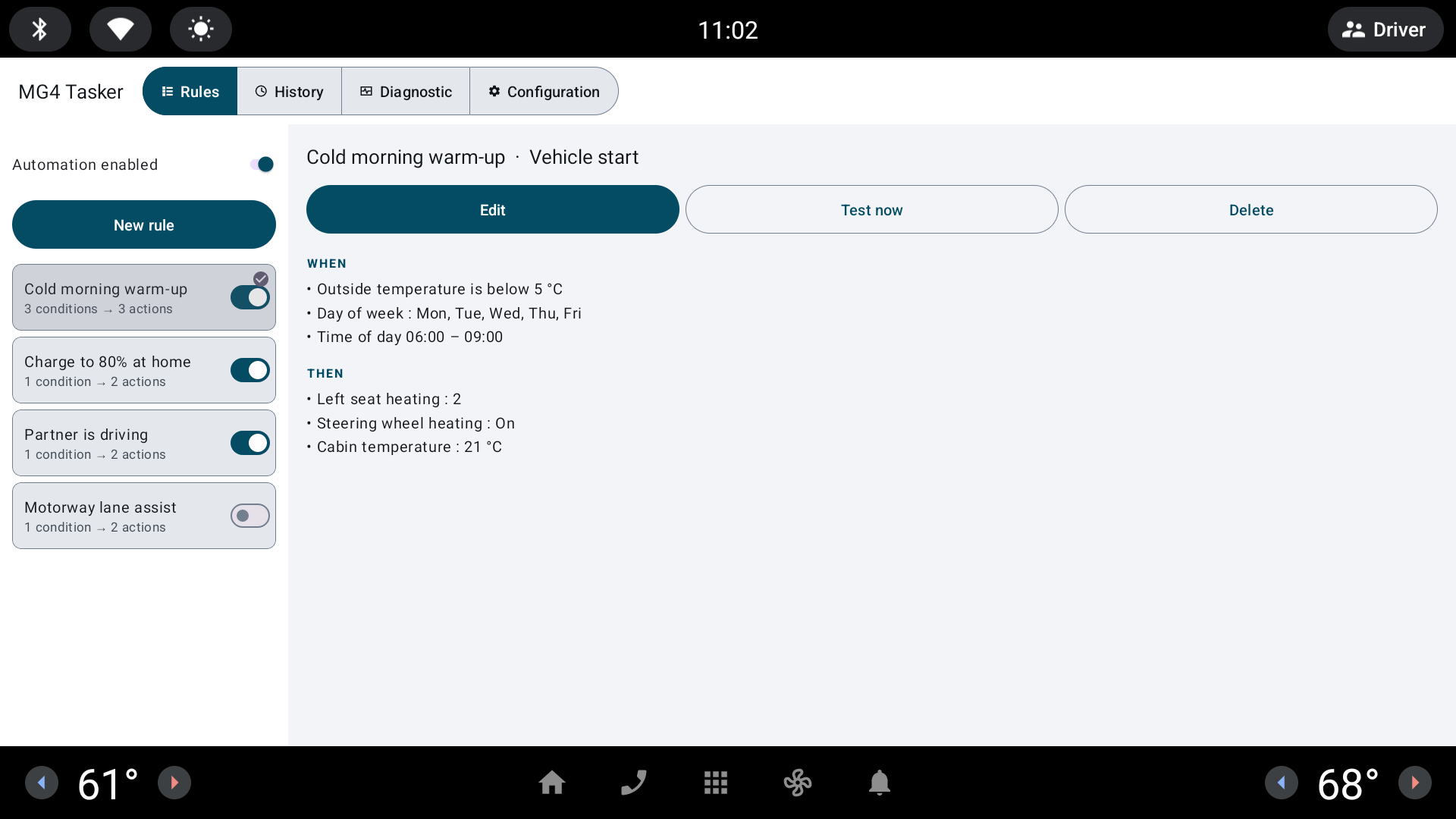
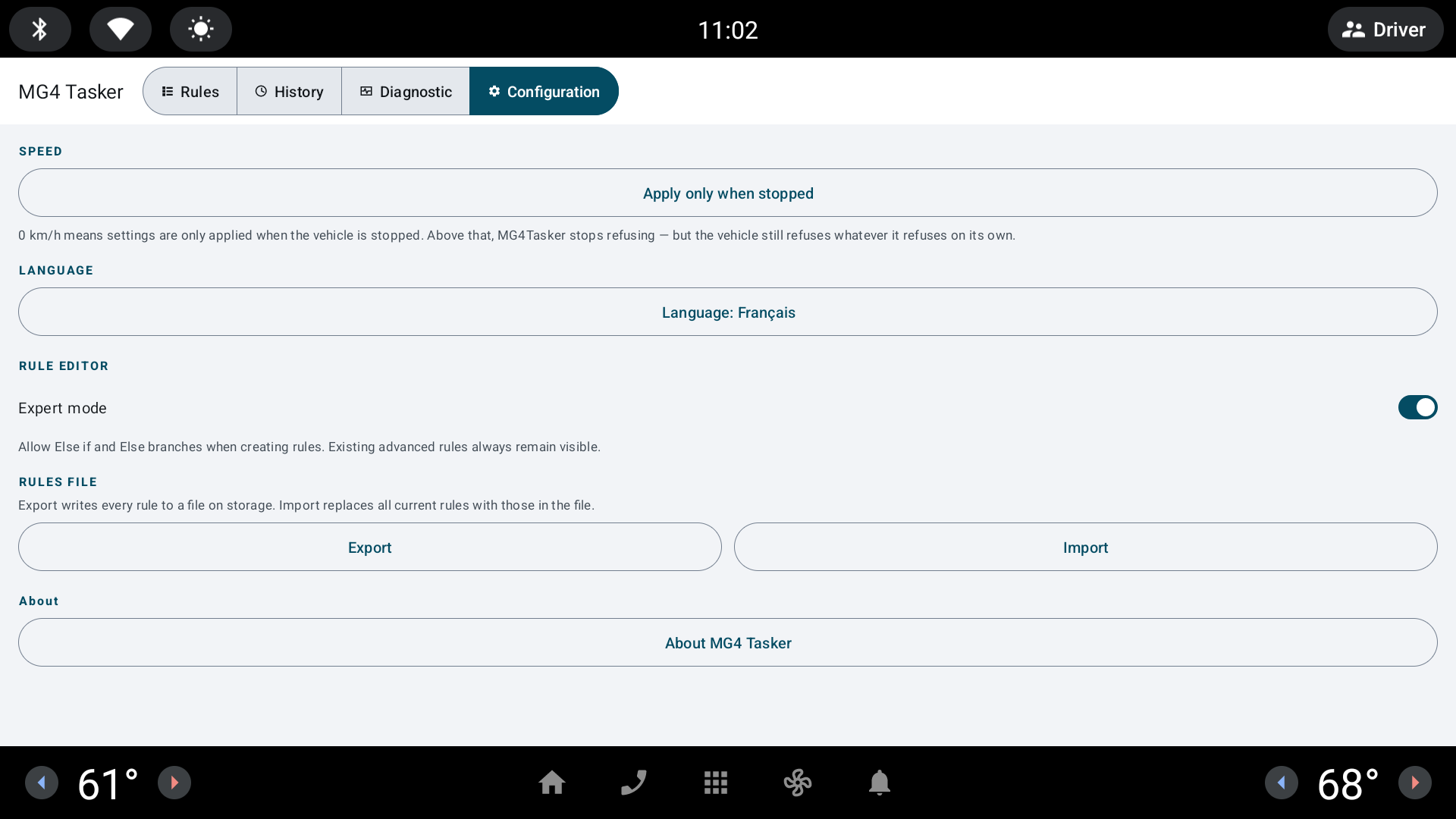
How a rule works
Section titled “How a rule works”A rule combines a trigger, optional conditions, and one or more actions. For example, a charging-state condition can show a notification. Advanced rules can branch, wait, open an app, speak a message, or change a supported vehicle setting.
You can use Tasker without EVProfile. EVProfile is needed only when a rule applies a profile that was saved in EVProfile.
What to expect
Section titled “What to expect”Test a rule while parked before enabling it. Vehicle changes follow the same standstill safety checks as EVProfile, and the history screen shows what ran or why it was refused.
Start with Write your first rule. Test it while parked, inspect its execution history, and only then enable it for normal use.