
EVLauncher
Source code · Releases · Issue tracker
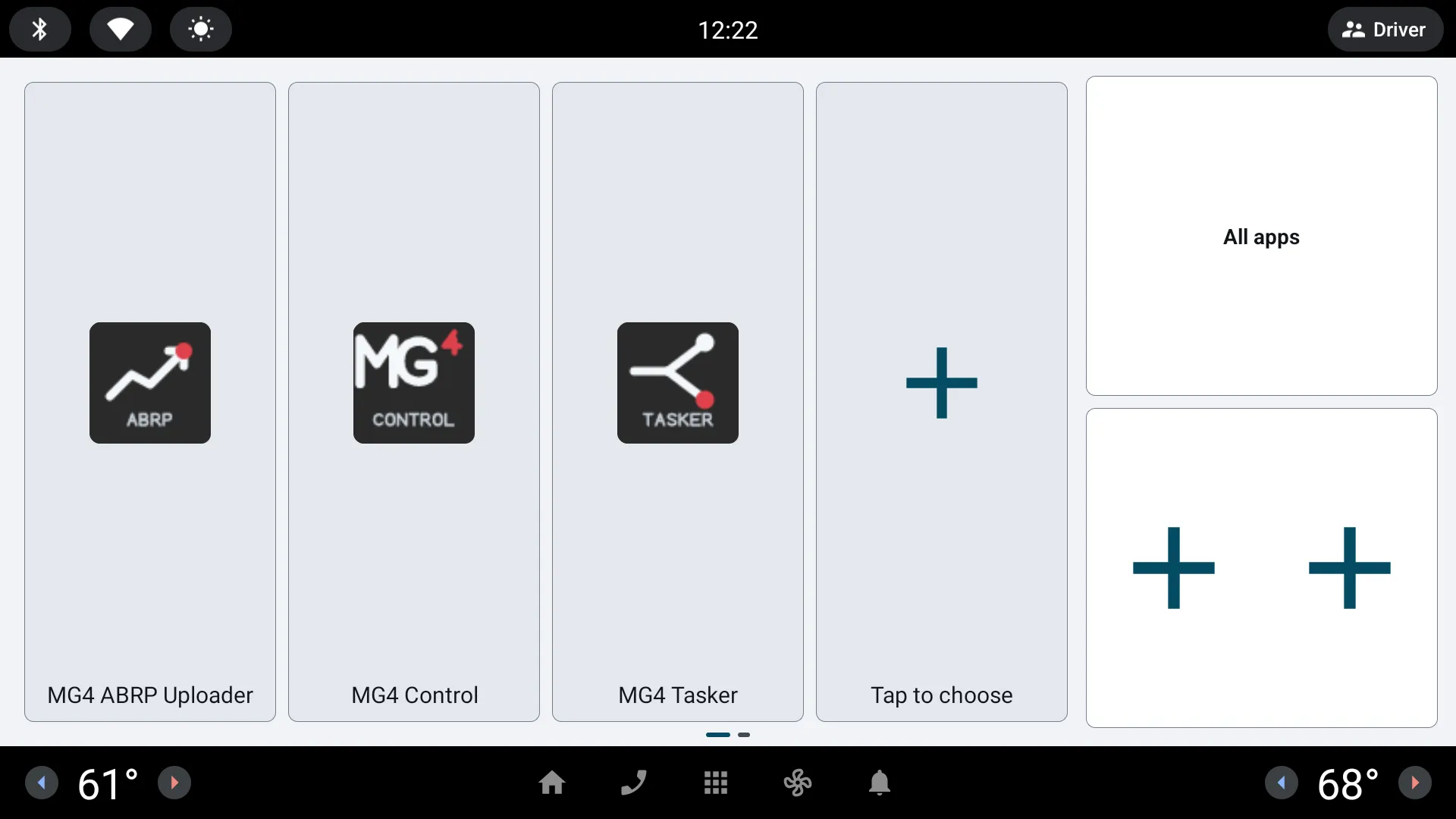
Choose EVLauncher when you want the Home button to open a simple grid of your favourite apps. A second page shows head-unit and vehicle metrics such as range; it reads them through EVHardware and never changes vehicle settings.
What you can do
Section titled “What you can do”- Up to 12 configurable favourite apps
- Responsive tile rows sized for the wide head-unit display
- All-apps and system-app views
- EVSuite app detection and update overview on unstable builds
- Persistent favourites and an explicit path back to Android settings
What to expect
Section titled “What to expect”Android will ask which app should handle the Home button. Keep the stock launcher installed and confirm that Files and Settings remain reachable before making EVLauncher the default.
Next: set up EVLauncher.