
EVChargePilot
Source code · Releases · Issue tracker
Choose EVChargePilot when you want to see what the battery is doing and keep a record of your trips. It reads the car and draws it: it never changes a vehicle setting, and it has no network permission in any channel.
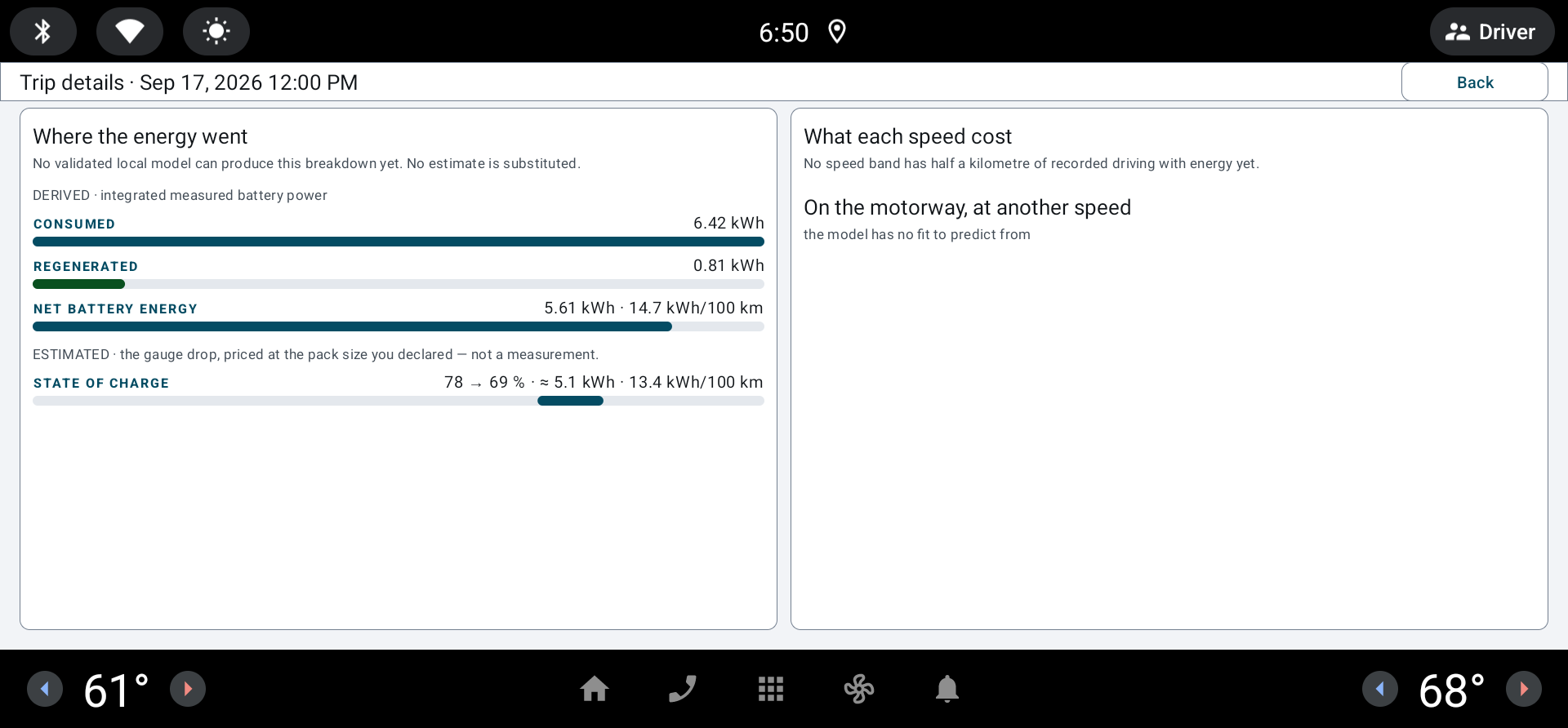
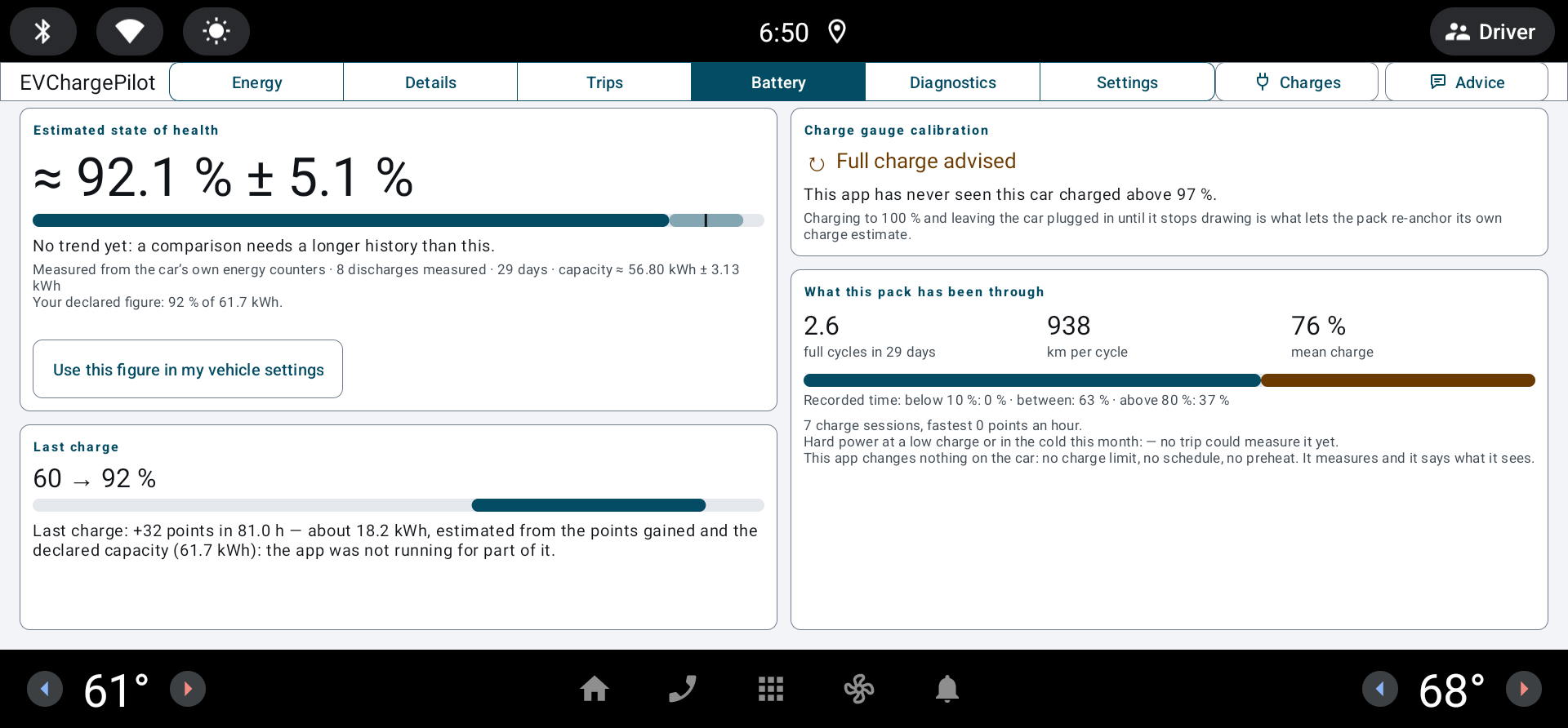
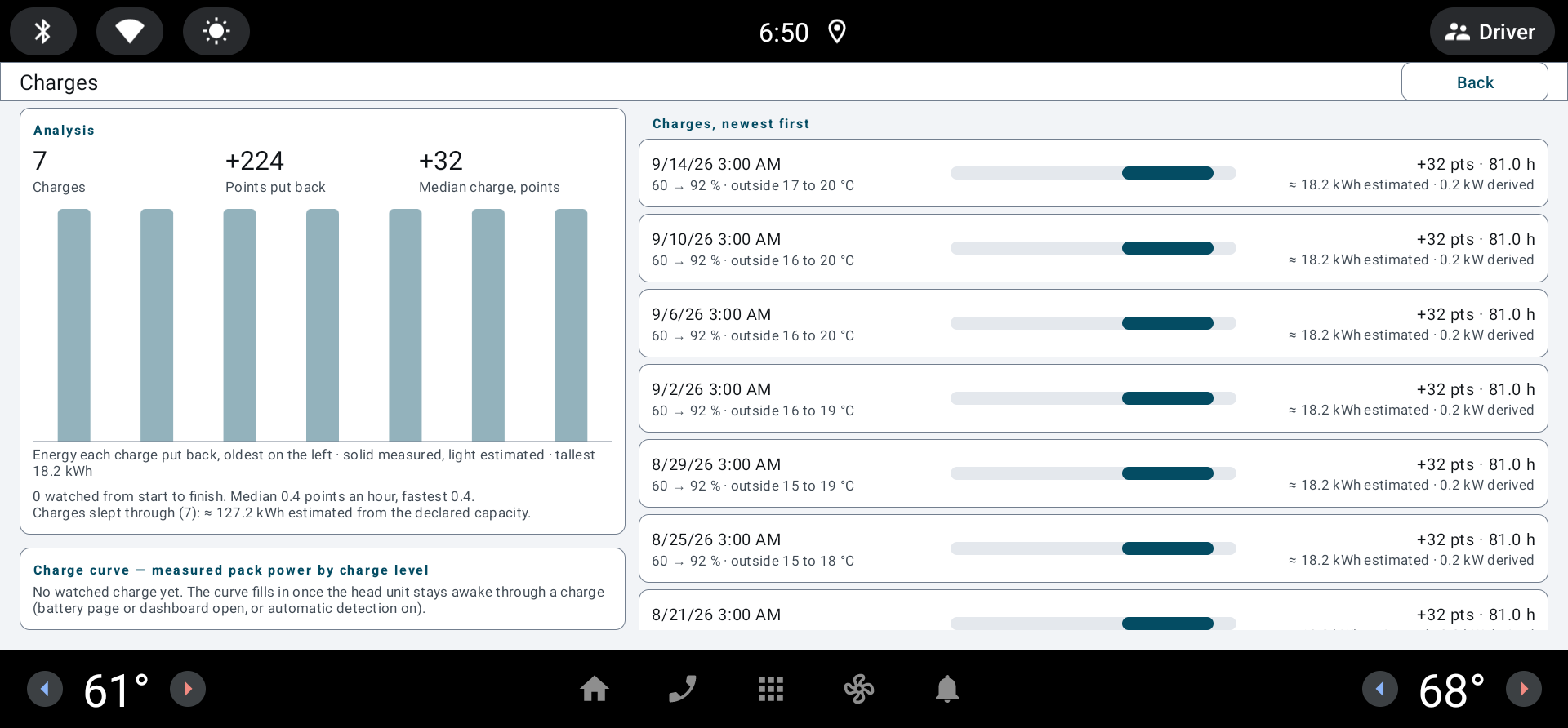
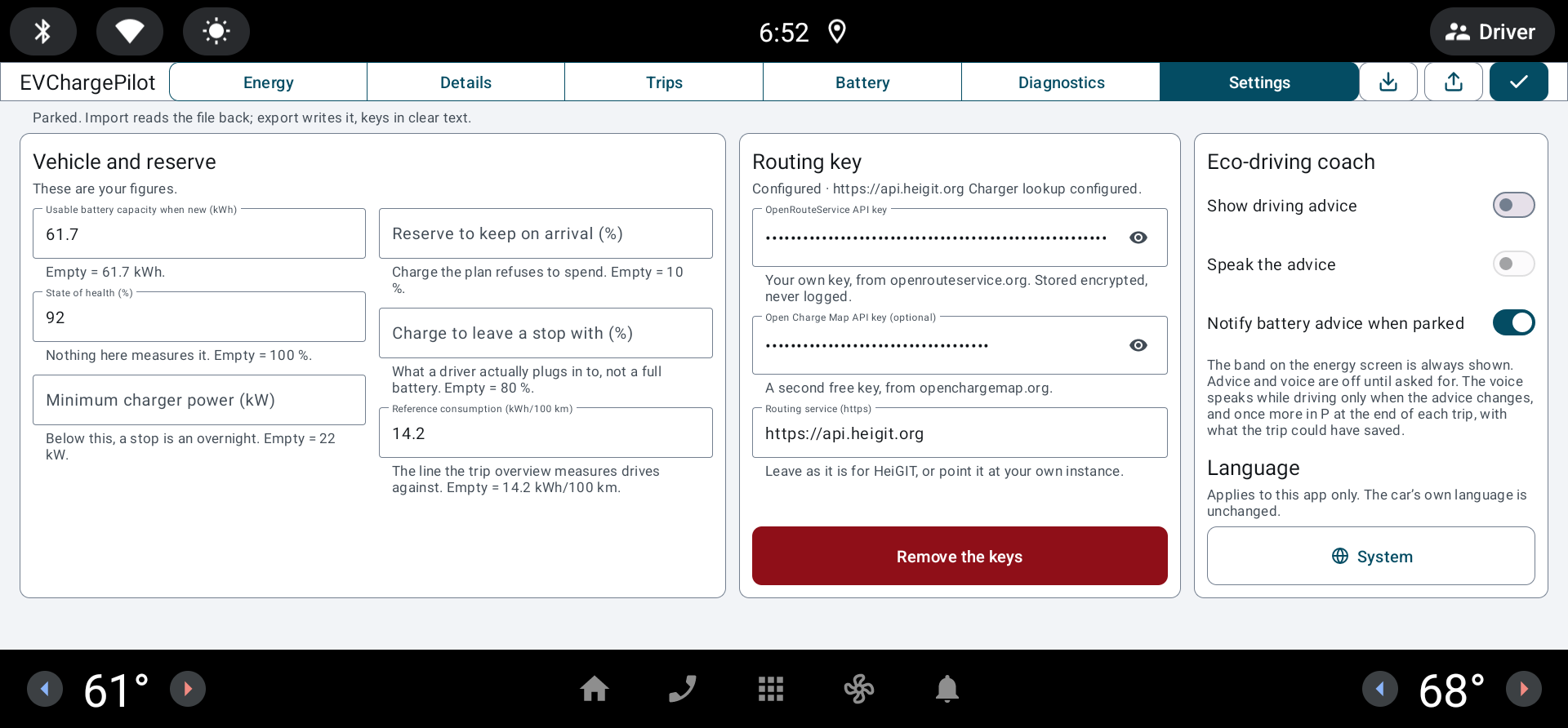
What you can do
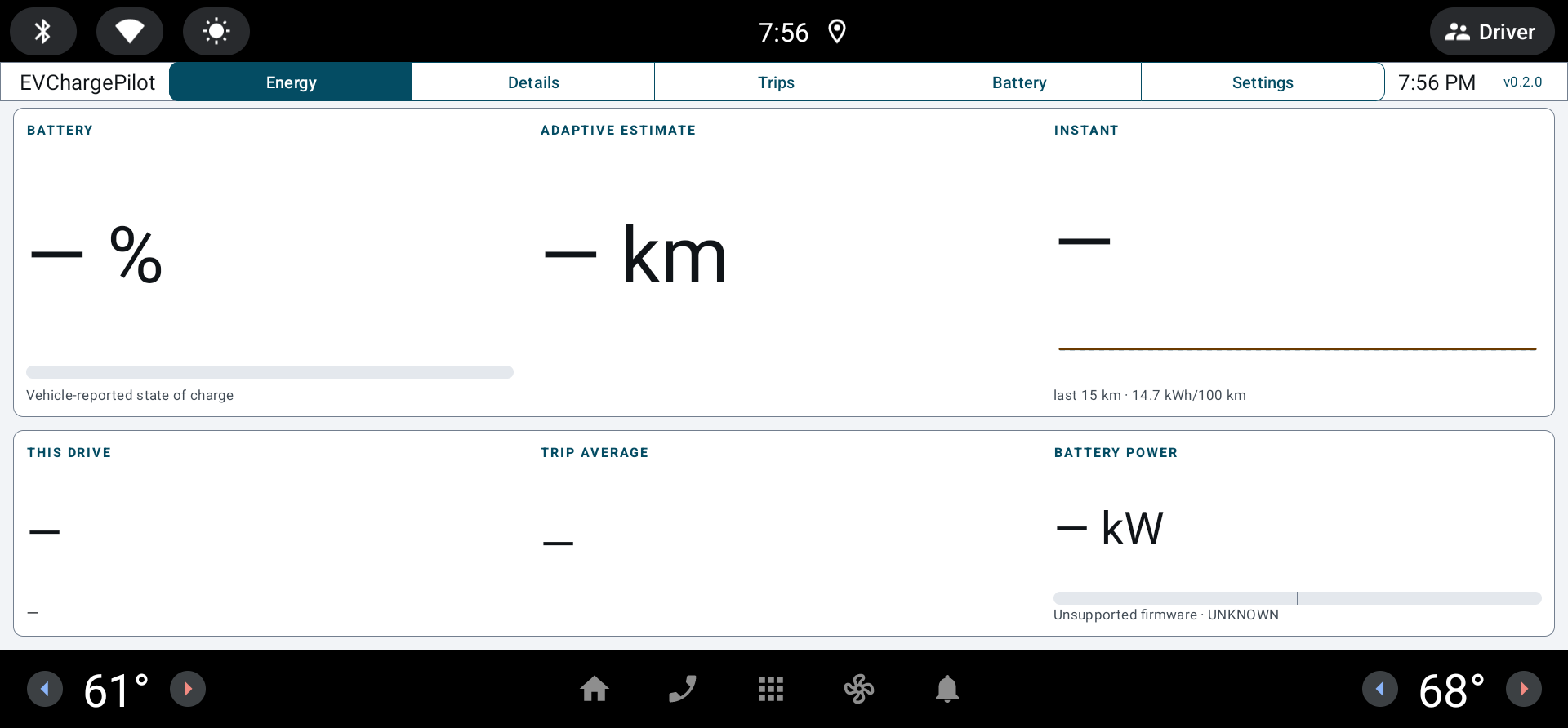
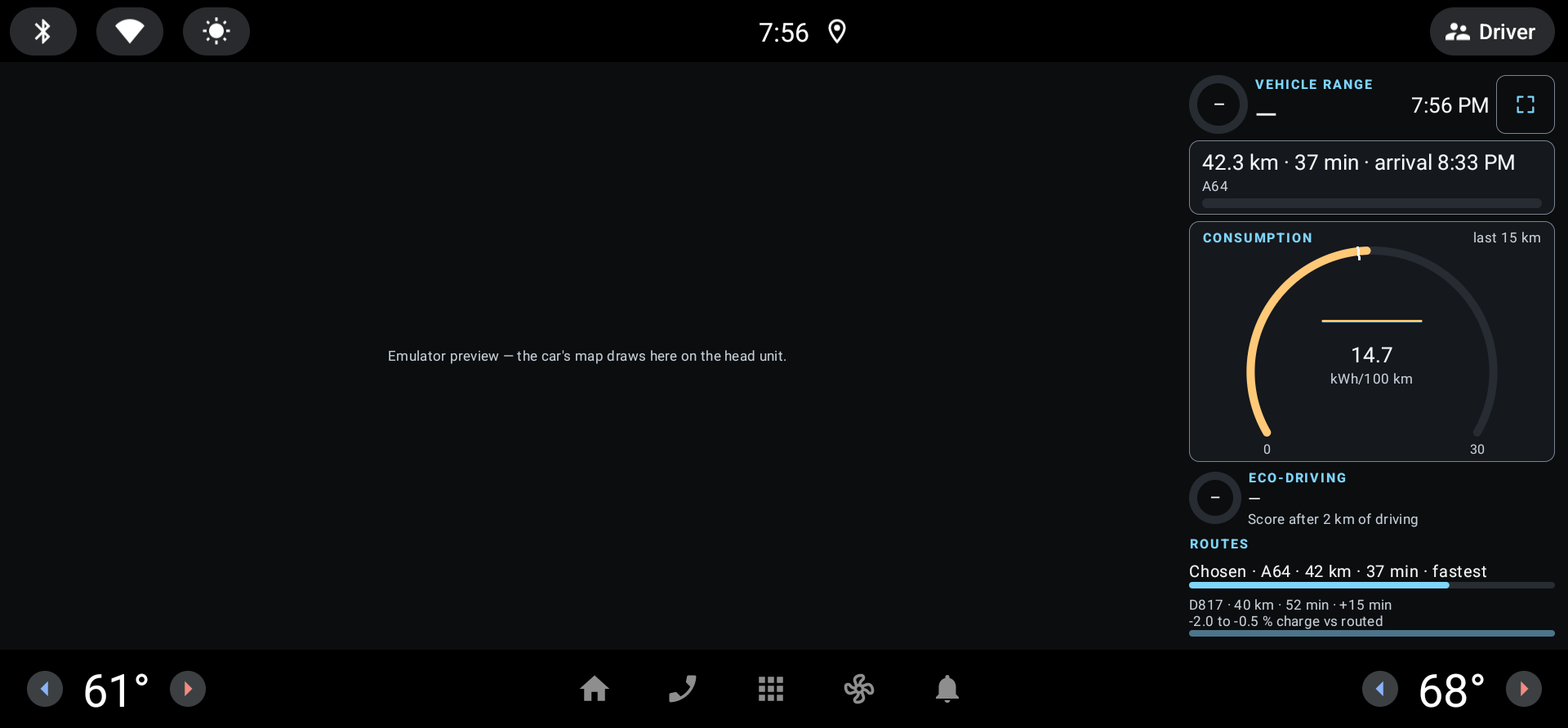
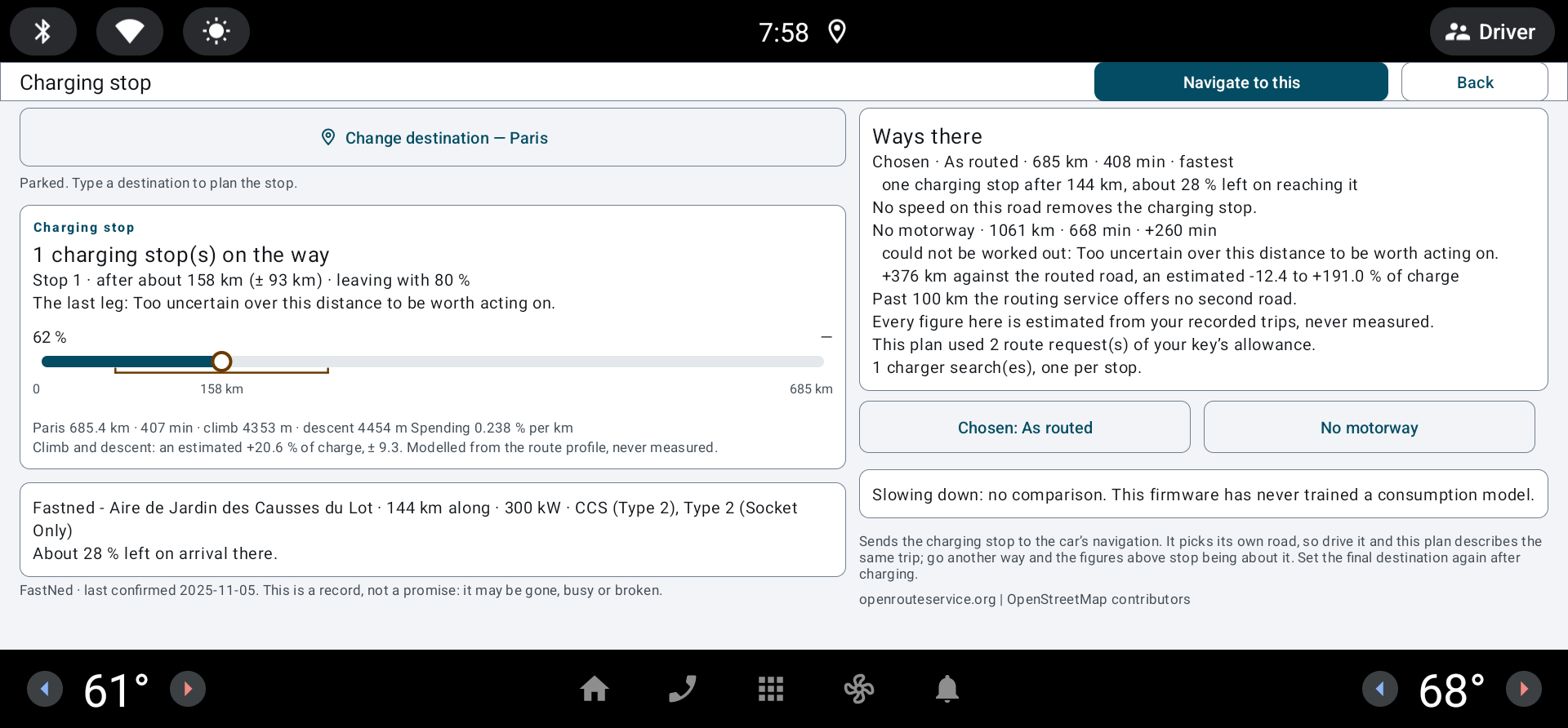
Section titled “What you can do”- Read state of charge, remaining range, speed, outside temperature and climate state
- Read battery power, pack temperature and charging state where the firmware exposes them
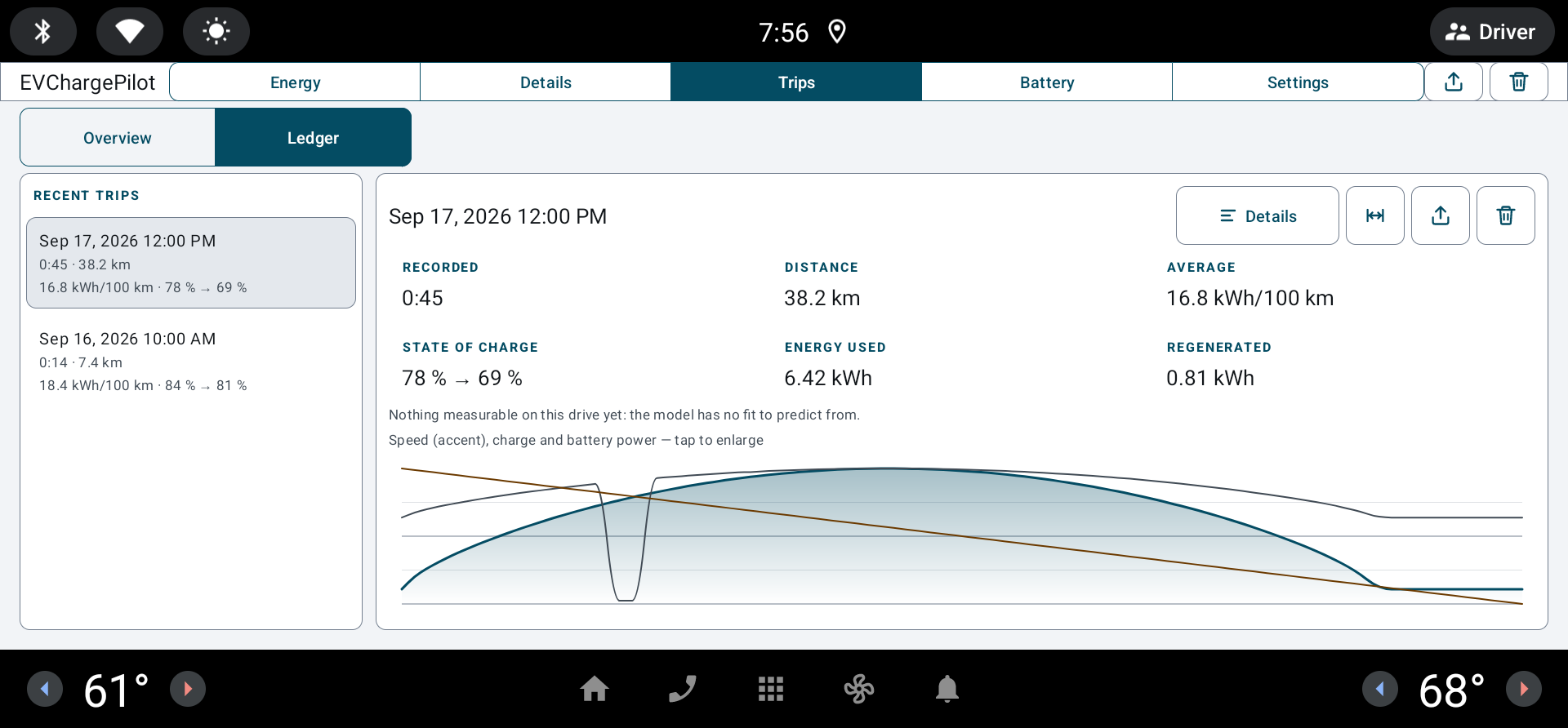
- Start and stop a trip recording while parked, and keep recording in the background
- See distance, duration, energy, regeneration and average consumption computed on the device
- Read an adaptive range estimate that shows its own uncertainty rather than a single number
- Keep a bounded trip history in app-private storage and export it to a file you choose
What to expect
Section titled “What to expect”A reading the car does not publish shows as —, never as 0. Available values differ
between firmware versions, so some tiles may stay empty on your vehicle.
Trip history is stored on the head unit only. Nothing is uploaded, and neither channel self-updates: a newer build is always a manual install, parked.
Next: install an APK.